


如何转换 DWG 转 PDF
只需几步即可快速轻松完成 PDF 转换。
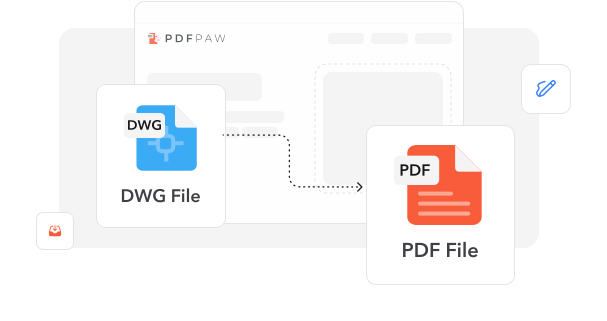
1
上传 DWG. 上传您的 AutoCAD DWG 文件,或将其拖放到我们的转换区域。
2
开始转换. 我们的系统会处理您的 CAD 图纸并将其转换为 PDF 格式。
3
下载 PDF. 转换完成后,下载转换后的 PDF 文件。
深受像您一样的用户信赖
看看其他用户如何评价我们的 DWG 转 PDF 转换器。
1月12日
非常适合建筑图纸
这个转换器完整保留了我建筑方案中的所有精度。PDF 输出看起来与原始 DWG 文件完全一致。


Marcus Rodriguez
12月28日
快速可靠的转换
我需要与没有 AutoCAD 的客户分享工程图纸。这个工具让过程变得很简单,而且质量非常出色。

Jennifer Kim
11月15日
CAD 专业人士的优秀工具
作为设计师,我经常需要为演示转换 DWG 文件。这个转换器帮我节省时间,并且每次都能得到完美结果。

Thomas Anderson
今天有 824 人生成了 PDF 文件
正在加载...
与以下服务完全集成




我们的 DWG 转 PDF 工具有何出众之处
从文档到图片——按你的需要转换 PDF。
常见问题
快速找到关于充分使用我们工具的答案。
查看 全部工具处理 PDF
相关文章
探索更多技巧、工具和指南,帮助您更高效地处理 PDF。

How To
Sep 2, 2025 | 6,789 views
How to Convert PDF to SVG: 4 Convenient Ways
Transform your PDF files into scalable SVG vectors with these 4 proven conversion methods. From professional tools to free alternatives, discover the best approach for your design workflow.
How To
Jul 18, 2025 | 8,234 views
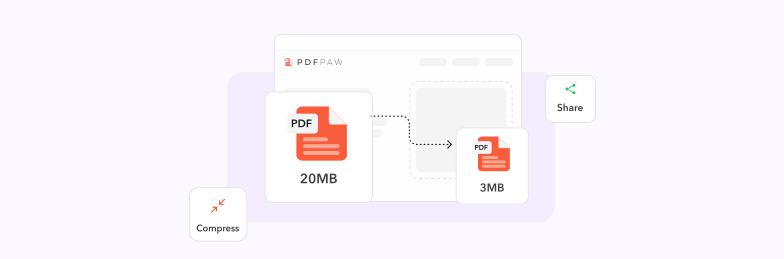
How to Compress PDF to 1MB or Less - Free Methods That Actually Work
Learn proven techniques to compress large PDF files to 1MB or smaller without losing quality. Discover free tools, best practices, and expert tips for optimal file compression.
How To
Sep 8, 2025 | 14,523 views
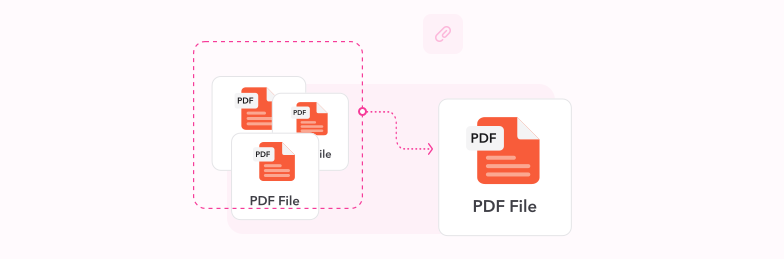
The Ultimate Guide on How to Merge PDF Files
Master the art of combining multiple PDF documents into one seamless file. Discover professional techniques, best practices, and powerful tools to streamline your document workflow.