


如何線上註解 PDF
只需幾個步驟,即可快速輕鬆編輯 PDF。
1
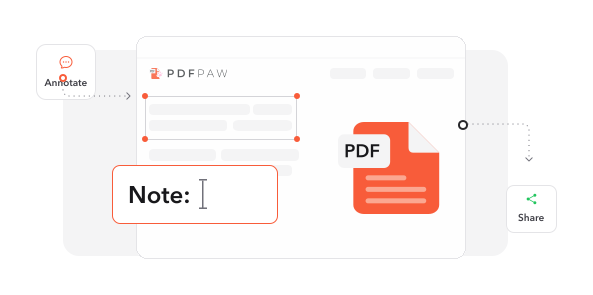
載入文件. 將您的 PDF 檔案匯入我們完整的標記環境。
2
套用標記. 使用我們的註解工具新增註記、螢光標示、繪圖和視覺回饋。
3
匯出已註解檔案. 儲存已標記的文件,保留所有註解並可供審閱。
深受像您一樣的使用者信賴
看看其他使用者如何使用 PDF Paw 註解 PDF。
12月12日
非常適合合約審閱
註解功能非常適合我的合約審閱工作。螢光標示和留言讓協作順暢又有效率。


Alex Thompson
12月9日
快速且可靠
他們的服務超出我的預期。速度很快,且適用於所有 PDF。客服也迅速解決了我的問題。

Maria Rodriguez
12月11日
對研究論文很有幫助
很棒的服務,支援也很優秀!這些工具非常適合在我的學術論文上加入註解和留言。

Dr. James Wilson
824 人今天已產生 PDF 檔案
載入中...
完全整合




為何選擇我們的工具來註解 PDF
常見問題
快速找到關於充分運用我們工具的問題解答。
查看 所有工具以處理 PDF
相關文章
探索更多提示、工具與指南,協助您更聰明地處理 PDF。
How To
Sep 8, 2025 | 14,523 views
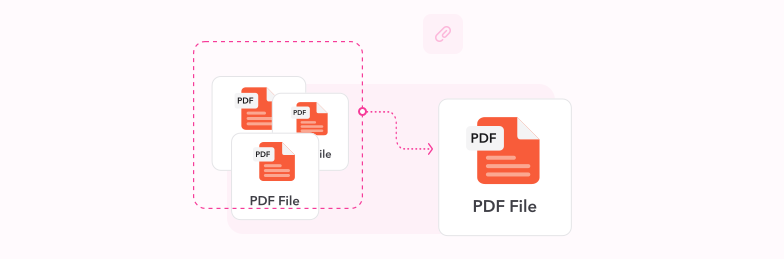
The Ultimate Guide on How to Merge PDF Files
Master the art of combining multiple PDF documents into one seamless file. Discover professional techniques, best practices, and powerful tools to streamline your document workflow.

How To
Sep 16, 2025 | 8,342 views
How to Convert PNG to PDF Online - Complete Guide for 2025
Transform PNG images into professional PDF documents effortlessly. Discover the best methods, optimization techniques, and expert tips for seamless PNG to PDF conversion online.
How To
Jul 22, 2025 | 15,692 views
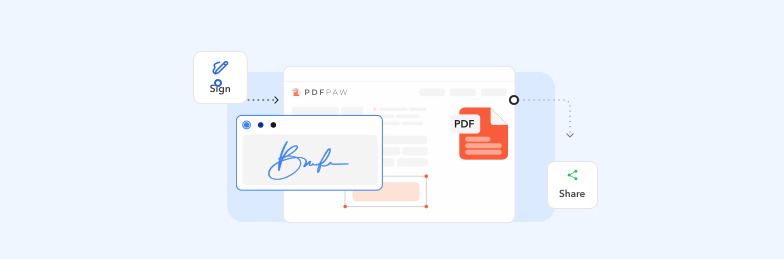
How to Remove Password from a PDF File - Complete Unlock Guide
Learn multiple methods to unlock password-protected PDFs across different devices and platforms. Discover safe techniques for removing PDF passwords while maintaining document security.