


How It Works
Three steps. No installs. Done in minutes.
1
Upload Your Recording. MP3, WAV, M4A, MP4, MOV and more. Podcasts, lectures, voice memos.
2
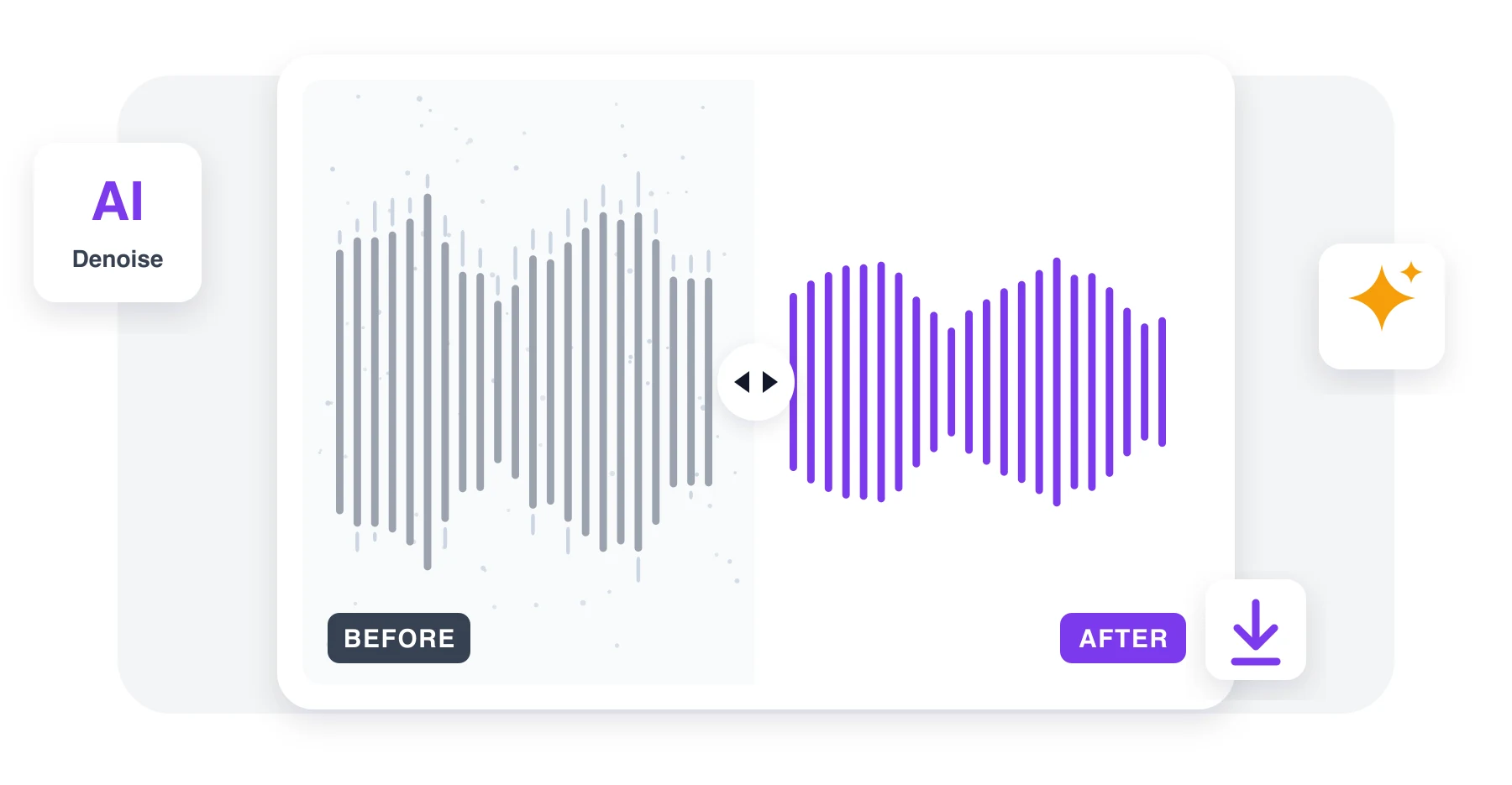
Hear the Difference. A short sample is cleaned in seconds. Switch between original and clean.
3
Download the Clean File. Hit the button and the whole recording is cleaned. Grab it when ready.
People Love These Tools
Podcasters, researchers, marketers, and remote teams use our audio & video tools every day.

Sep 3
Saved a podcast episode
Recorded next to an open window. The traffic is gone and the voice sounds fine.


Chris Whitfield
Aug 21
Lecture recordings finally usable
Projector fan and echo removed. Students can actually hear me now.

Amara Osei
Aug 9
Quick and honest
The sample told me exactly what to expect. Full file was ready in minutes.

Lukas Meier
2696 people generated PDF files today
@jas****
3 mins ago
@luc**
10 mins ago
@ash***
11 mins ago
Fully Integrated With




Why People Pick Our Audio & Video Tools
Voice Stays Natural
Speech is separated from noise, not muffled, so voices keep their tone.
Removes Constant Noise
Fan noise, traffic, wind, room echo and similar background sounds are removed.
Works with Video Too
Upload MP4, MOV or WebM and get the video back with clean sound.
Listen Before You Buy
A free before/after sample shows what the full file will sound like.
Works Everywhere
Runs in the browser on phone, tablet or laptop. Nothing to install.
Private by Default
Recordings are processed only to clean them, never used for anything else.
AI Noise Remover Online
No signup needed. Just pick a tool and go.
Remove Background Noise
 4.61,340 reviews
 4.513,920 reviews
 4.64,550 reviews
Frequently Asked Questions
Quick answers about our audio & video transcription and conversion tools.